Cellphone signal boosters

Principles of operation
A cellphone signal booster (also known as a repeater) is a sophisticated bi-directional system that captures a weak cellular signal from the outdoors, amplifies it, and rebroadcasts it within a confined space, such as a home, office, or vehicle.
Unlike a WiFi router, which creates its own internet signal, a booster acts as a megaphone for the existing cellular network, ensuring your devices stay connected in "dead zones."
The Three-Stage Process
The operation of a professional-grade booster system can be broken down into three fundamental steps:
Step A: Capture (The Outside Antenna)
A powerful antenna is mounted on the roof or at a high point where the strongest possible signal is available (even if it’s only one bar). This antenna "reaches out" to the nearest cell tower to pull in the weak signal.
Directional (Yagi) Antennas: Pointed directly at a specific tower for maximum gain.
Omni-directional Antennas: Capture signals from multiple towers in all directions.
Step B: Amplify (The Booster Base Unit)
The captured signal is sent via a high-quality coaxial cable to the cellular amplifier located inside the building. The booster uses advanced circuitry to clean the signal of "noise" and amplify it significantly—often by up to 70 decibels (dB).
Step C: Broadcast (The Inside Antenna)
The now-strengthened signal is sent to one or more indoor antennas, which distribute the clear, strong signal throughout the rooms or workspace. Your phone then connects to this internal signal just as it would to a cell tower.
Bi-Directional Communication
A common misconception is that boosters only help with "receiving" signal. In reality, cellular communication is a two-way street.
Downlink: Bringing the signal from the tower to your phone (for streaming and downloading). Uplink: Taking the signal from your phone and "pushing" it back to the distant cell tower. A high-quality booster ensures your phone doesn't have to work overtime (which saves battery life) to reach a tower miles away.
Key Technical Components
To maintain a stable connection, modern boosters utilize several "smart" features:
Automatic Gain Control (AGC): Automatically adjusts the power of the booster to prevent it from overloading the cellular network.
Oscillation Protection: Detects if the inside and outside antennas are "talking" to each other (feedback), which could cause system interference, and shuts down or reduces power to prevent it.
Multi-Band Support: Modern units amplify multiple frequencies simultaneously (LTE, 4G, and 5G), supporting all major carriers at once.
Why Use a Booster?
Eliminate Dropped Calls: Maintain a constant connection for critical voice and emergency calls.
Faster Data Speeds: Improved signal quality leads to higher throughput for browsing and video conferencing.
Extended Battery Life: When your phone isn't constantly searching for a faint signal or "cranking up" its internal radio to reach a tower, the battery lasts significantly longer.
Overcoming Obstacles: Boosters bypass building materials that block signals, such as metal roofs, concrete walls, and radiant barrier insulation.
What to expect on the installation day
Restoring reliable cellular coverage to your home or office is a precise process that requires more than just mounting hardware. Our technicians follow a professional installation protocol to ensure your booster provides maximum coverage without interfering with local carrier towers.
Signal Mapping & Precision Testing
Before any holes are drilled, our technician performs a comprehensive RF (Radio Frequency) Site Survey. Using a professional cellular signal meter, we map the signal strength around the perimeter of your building.
Identifying the "Sweet Spot": We locate the exact point on your roof where the outside signal is the cleanest and strongest.
Carrier Verification: We check the signal for all major carriers to ensure the system is balanced for everyone in the building.
Frequency Analysis: We identify which bands (LTE, 4G, 5G) are available to optimize the booster's configuration.
Outside Antenna Installation
Once the optimal location is found, we install the Donor Antenna.
Strategic Placement: The antenna is mounted high enough to clear local obstructions like trees or neighboring structures.
Alignment: We fine-tune the antenna's direction to lock onto the strongest nearby tower.
Weatherproofing: We use heavy-duty, corrosion-resistant mounts and ensure all outdoor connections are sealed with weather-resistant tape or silicone.
Cable Architecture
We run high-grade, low-loss coaxial cable (such as LMR-400) from the roof into the building.
Professional Routing: We prioritize "invisible" or clean cable runs, following existing conduits or tucking cables behind siding where possible.
Entry Point Protection: We use "drip loops" to prevent rainwater from following the cable into your home and seal entry holes professionally.
Inside Antenna Placement & "Separation"
The most technical part of the day is placing the Internal Antenna(s) and the Amplifier.
Oscillation Management: To prevent "feedback" (similar to putting a microphone next to a speaker), our technicians ensure there is sufficient vertical or horizontal separation between the inside and outside antennas.
Coverage Optimization: We place internal antennas (dome or panel style) in the areas where you need signal most - typically home offices, kitchens, or basement living areas.
System Calibration & Final Walkthrough
After the hardware is powered on, we perform a final quality check:
Gain Verification: We check the amplifier's display to ensure it is operating at "Full Gain" and isn't being "throttled" by internal interference.
Before & After Speed Tests: We demonstrate the improvement in signal bars and data speeds on your own mobile devices.
Instruction: The technician will show you the status lights on the booster and explain the simple "plug and play" nature of the system.
Installation Checklist for You:
Carrier Info: Let the technician know which cellular providers you and your family use.
Prioritize Rooms: Identify the "dead zones" in your house that are most frustrating so we can target those areas.
Access: Ensure the technician can access the roof (via ladder or hatch) and the attic or crawlspace if cable routing is required.
Timeline: A professional booster installation typically takes 3 to 5 hours depending on the size of the building and the number of indoor antennas.
Related equipment
To ensure crystal-clear voice calls and lightning-fast data, we utilize industry-leading equipment from SureCall and Wilson Electronics (weBoost). These brands are the gold standard in North American cellular amplification, offering carrier-grade reliability and compliance with all major networks.
While we provide complete turnkey solutions, we are also happy to professionally install customer-provided equipment to ensure it is optimized for peak performance.
High-Performance Amplifiers
The "brain" of the system, these units take a faint signal and multiply its strength. We primarily deploy:
SureCall Force Series: Powerful commercial-grade boosters designed for large homes and offices. They feature "Sentry" remote monitoring, allowing us to troubleshoot your system via the cloud.
WilsonPro / weBoost: Renowned for their "Multi-Tower Optimization," these units can pull in signals from several different carrier towers simultaneously, making them ideal for households with users on different networks.
External "Donor" Antennas
The outside antenna is your link to the cellular world. Depending on your location, we use:
Yagi (Directional) Antennas: High-gain, "arrow-shaped" antennas used in rural areas to reach distant towers.
Omni-Directional Antennas: Best for urban environments or areas with multiple nearby towers, capturing signals from a 360-degree radius without needing precise aiming.
Internal Distribution Antennas
How the signal is delivered inside depends on your building's layout:
Dome Antennas: Mounted on the ceiling, these provide 360-degree coverage and are perfect for open-concept living areas or office floors.
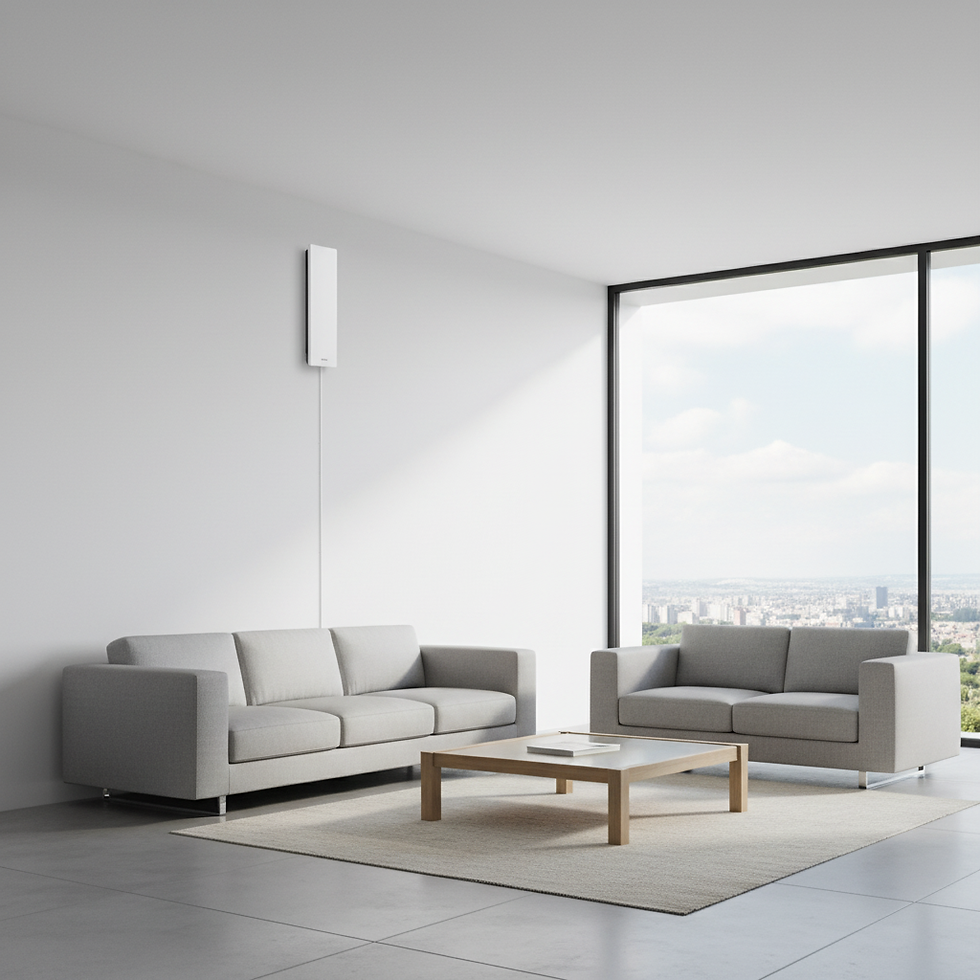
Panel Antennas: Wall-mounted units that "push" signal across a specific room or hallway, ideal for targeting home offices or long corridors.
Low-Loss Cabling & Components
A booster system is only as strong as its weakest link. We use professional-grade peripherals to prevent signal "leakage":
LMR-400 Coaxial Cable: Ultra-low-loss cabling that ensures the signal captured on the roof actually reaches the booster without dissipating.
Lightning Surge Protectors: Critical for protecting your indoor amplifier and electronics from atmospheric static and lightning strikes on the outdoor mast.
Signal Splitters: Used in larger installations to feed multiple indoor antennas from a single amplifier.
Professional Installation of Your Own Gear
Already purchased a booster online? We offer Installation-Only Services. Many "DIY" kits fail to deliver promised results due to:
Inadequate antenna separation (causing feedback loops).
Poorly aimed donor antennas.
Sub-optimal cable routing.
Our technicians will use professional signal meters to calibrate your existing hardware, ensuring you get the maximum "dB gain" your device is capable of providing.